Home
For iPhone
Golf365 Scorecard
A paper scorecard that does the adding up.
For the golfer who plays the same few courses through the season and wants to know where the shots actually go. Mark every hole as you walk it, and the app turns your rounds into a course book, a club report and an index you can follow from week to week.
No account, no cloud — everything stays on your phone.
Home course · White tees
Saturday medal
What you get
Courses
Add the course you play with 9 or 18 holes, par, yardage and stroke index for every hole, the tees, the course and slope rating and your own notes. Fill standard pars in one tap.
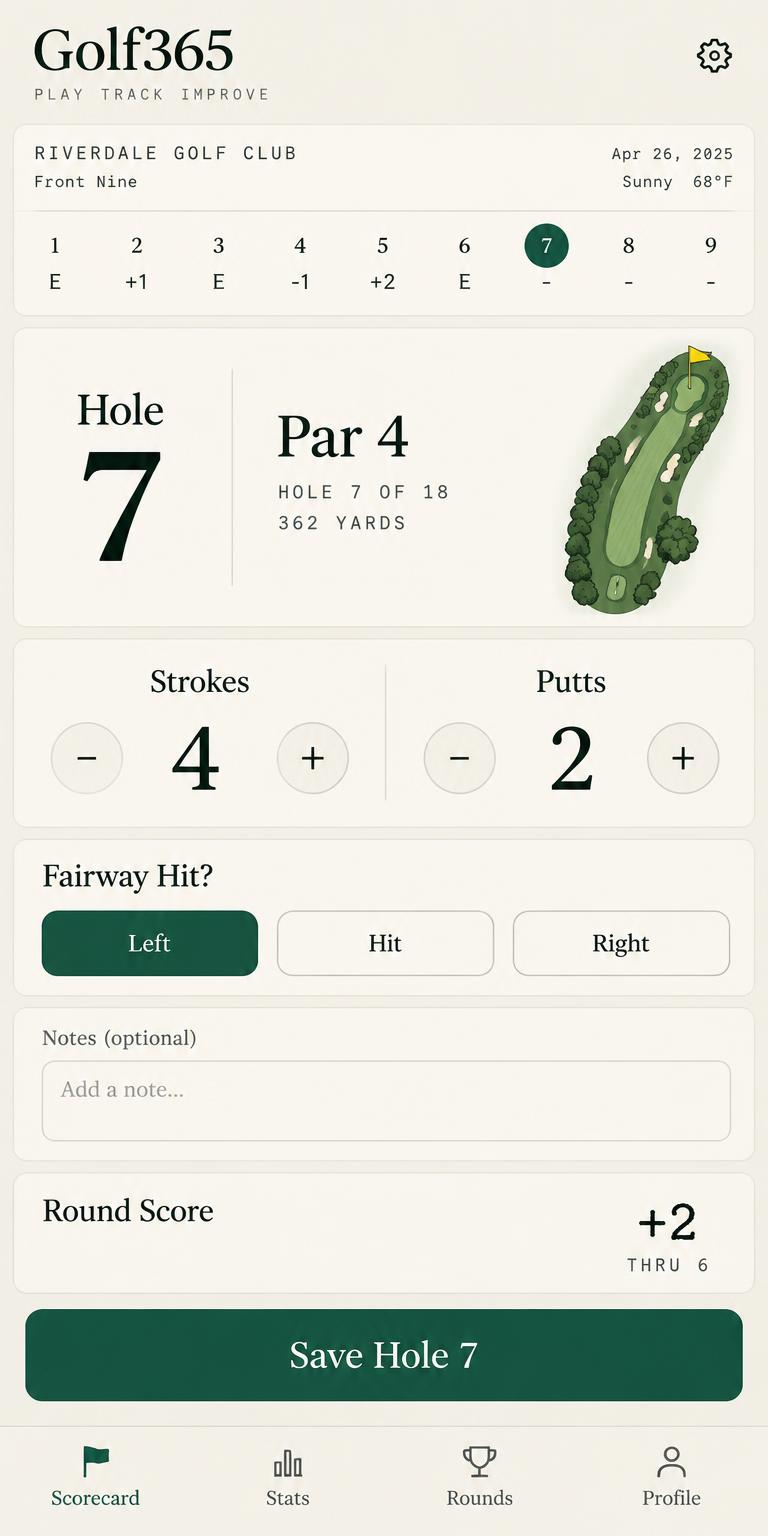
Round on the card
Pick the course, the tees and the weather, then go hole by hole: strokes, putts, fairway hit or missed left, right or short, green in regulation, penalties, sand shots and the club off the tee — with a running score to par and what you usually make on that hole.
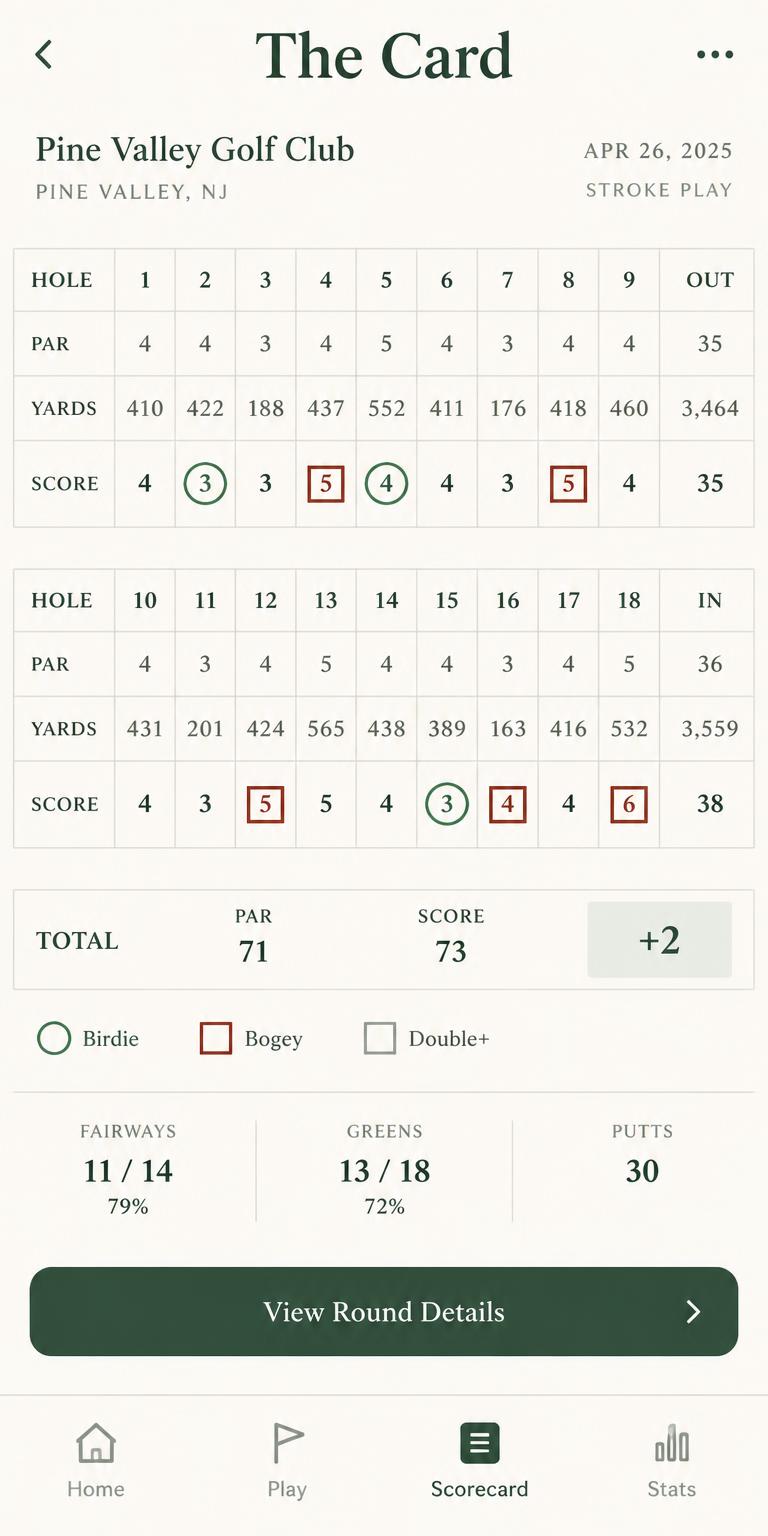
The card
Every finished round as a proper scorecard with front nine, back nine and totals.
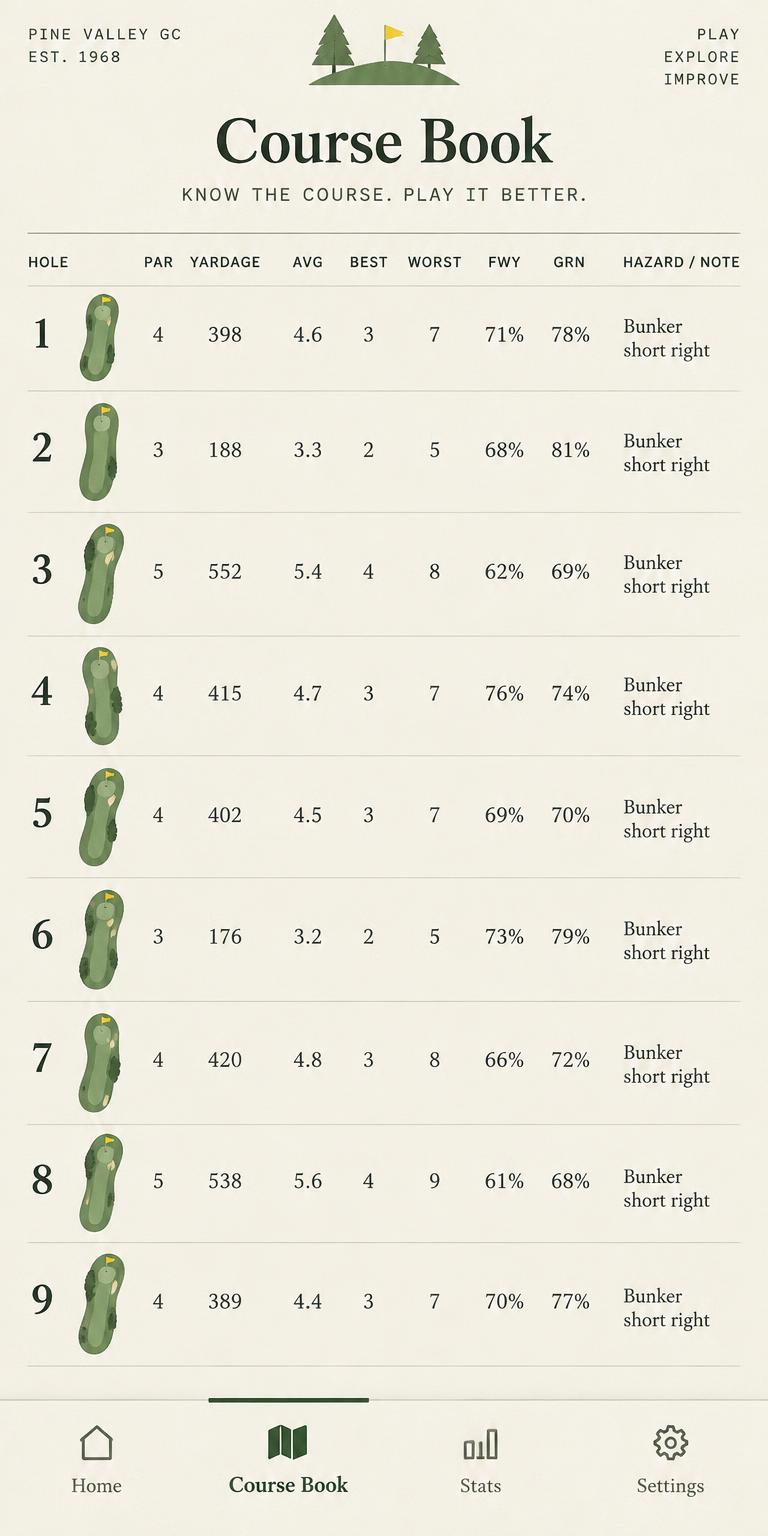
Course book
Each hole's average, best and worst, fairway and green rates, three putts, the last five scores, which tee club works there and your hazard notes — plus a strip showing where strokes are lost and gained.
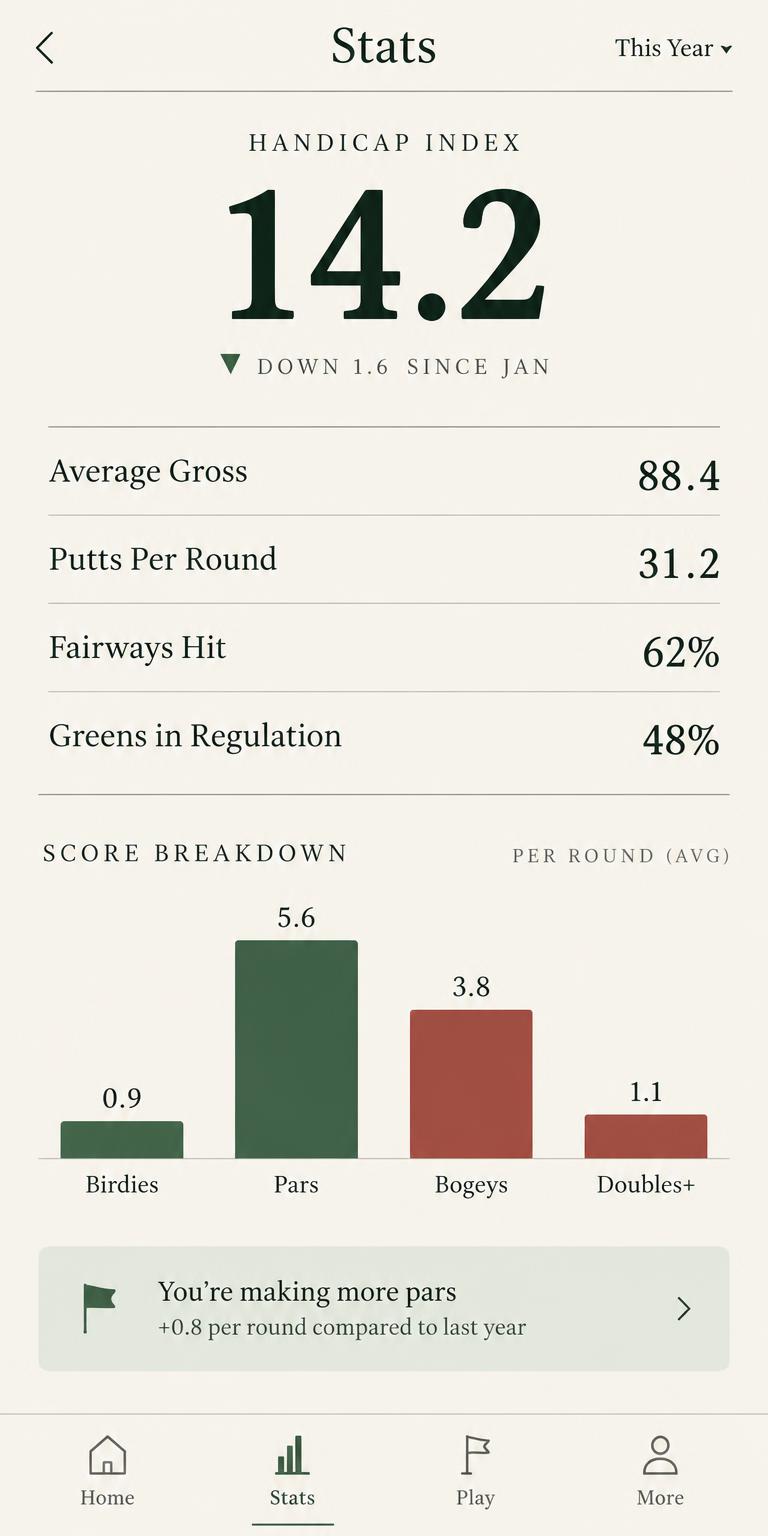
Stats
An index built from your best differentials, average gross, putts per round, fairways, greens, scrambling and three putts, scoring by par and the spread of birdies to doubles — for the last five rounds, the season or all time.
Bag
Every club with its typical carry, carried or left at home.
Screens
Golf365 Scorecard
Privacy Policy
Last updated: October 1, 2026
- 01
No account needed
Golf365 Scorecard works without an account, without registration and without any sign-in.
- 02
We don't collect your data
The app does not collect, transmit or sell personal information.
- 03
Everything stays on your device
The courses you add with their holes, pars, yardages, stroke indexes, course and slope ratings and hazard notes; the rounds you play with strokes, putts, fairways, greens, penalties, sand shots, tee clubs, weather and playing partners; the clubs in your bag with their typical carry; and every index, average and statistic are calculated and stored only in the local storage of your device. They are never uploaded to any server.
- 04
No device permissions
The app does not use the camera, the photo library, your location, your contacts or the microphone.
- 05
Works offline
Every feature of the app works fully offline.
- 06
About the index
The index shown in the app is a personal estimate calculated from your own rounds. It is not an official handicap issued by any golf association.
- 07
Notifications
If you allow notifications, the app receives a notification token from Apple and registers it together with a random identifier created by the app itself on installation. That identifier is not your name, email or advertising identifier. It is used only to deliver notifications, and you can switch notifications off at any time in the iOS Settings.
- 08
No ads, analytics or tracking
There is no advertising, no third-party analytics and no tracking.
- 09
No purchases
Nothing is sold or transacted inside the app, and there are no in-app purchases.
- 10
Independence
The app is independent and is not affiliated with, endorsed by or connected to any golf association, club, course or tour.
- 11
Children
The app is not directed to children under 13.
- 12
Deleting your data
Deleting the app erases all courses, rounds, clubs and statistics permanently.
- 13
Changes to this policy
If this policy changes, the updated version will be published on this page.
- 14
Questions
Questions about this policy can be sent to raphaelcao@kramer.best.
Contact Us
Questions, feedback or a bug on the 14th? Write to raphaelcao@kramer.best or use the form below.